Control Resque through Capistrano using systemd
Reading time: 4 minutes
Restarting a resque service using just a cap (Capistrano) command is handy and sometimes needed.
Instead of relying on Capistrano plugins like
capistrano-resque that spawn and
track worker processes themselves, we let systemd
supervise the Resque workers. systemd
takes care of restarting crashed workers, starting them on boot, and
collecting their logs through journalctl. Capistrano then only has to send
start, stop, and restart commands to the already configured service,
exactly the same way you would do it by hand on the server.
Prerequisites
- A Linux server with systemd, reachable via SSH with the same deploy user
Capistrano uses (here called
deploy). - Redis running and reachable from the application, as it is required by Resque.
- The
resquegem (andresque-schedulerif you use scheduled jobs) added to yourGemfile. - A working Capistrano deployment with
current_pathpointing to the released code.
Setup systemd to run resque
We run the worker as a user service (systemctl --user) instead of a
system service. This way it runs under the same unprivileged deploy user
Capistrano already uses to release the code, without requiring sudo or root
access on the server.
Create the service file
On the server, as the deploy user, create the directory for user units and
add a unit file for the workers:
mkdir -p ~/.config/systemd/user
# ~/.config/systemd/user/myapp-resque-workers.service
[Unit]
Description=myapp resque background workers
After=network.target

[Service]
Type=simple
WorkingDirectory=/var/www/myapp/current
Environment=RAILS_ENV=production
Environment=QUEUE=*
ExecStart=/usr/bin/env bundle exec rake resque:work
Restart=always
RestartSec=5

[Install]
WantedBy=default.target
WorkingDirectory points to Capistrano’s current symlink, so every restart
picks up the latest release automatically without touching the unit file
again.
Allow the service to run without an active login
By default, systemd stops all user services of a user as soon as their last
SSH session ends. Enable lingering once for the deploy user so the worker
keeps running (and can start on boot) even without an open session:
sudo loginctl enable-linger deploy
Load and enable the new unit:
systemctl --user daemon-reload
systemctl --user enable myapp-resque-workers.service
systemctl --user start myapp-resque-workers.service
ATTENTION: Capistrano executes commands over a non-interactive SSH
session. On some systems this means $XDG_RUNTIME_DIR is not set, and
systemctl --user fails with Failed to connect to bus. If you run into
this, either enable lingering as shown above (which fixes it in most setups)
or export the variable explicitly before the systemctl call:
export XDG_RUNTIME_DIR="/run/user/$(id -u)"
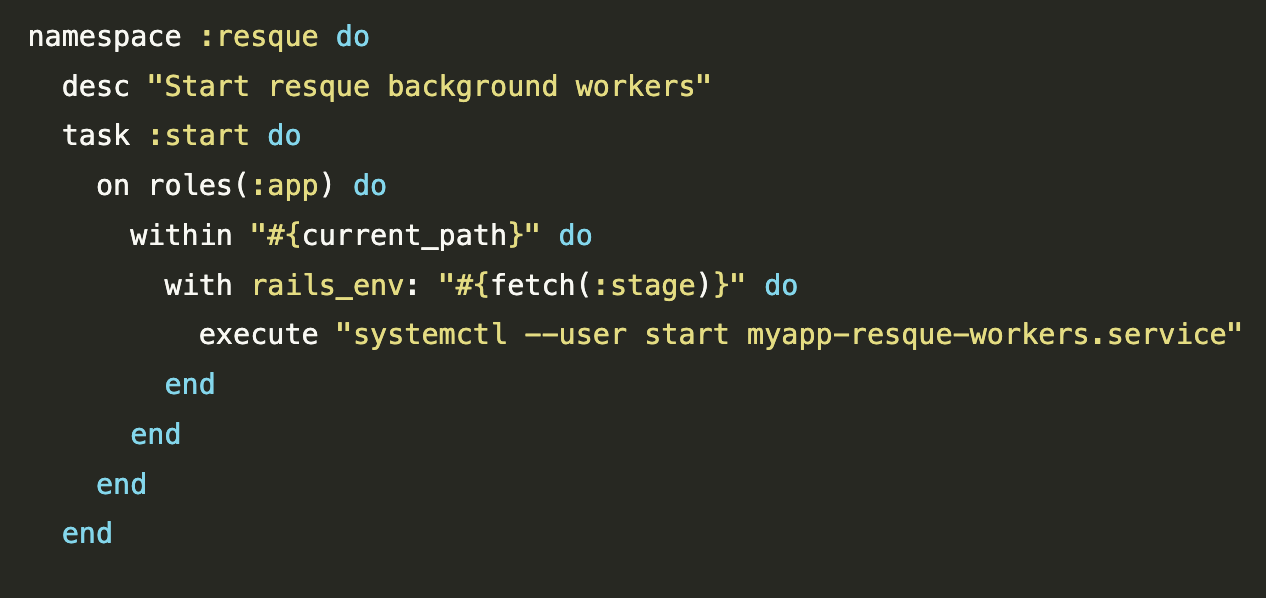
Create a rails/rake Task
namespace :resque do
  desc "Start resque background workers"
  task :start do
    on roles(:app) do
      within "#{current_path}" do
        with rails_env: "#{fetch(:stage)}" do
          execute "systemctl --user start myapp-resque-workers.service"
        end
      end
    end
  end

  desc "Stop resque background services"
  task :stop do
    on roles(:app) do
      within "#{current_path}" do
        with rails_env: "#{fetch(:stage)}" do
          execute "systemctl --user stop myapp-resque-workers.service"
        end
      end
    end
  end

  desc "Restart resque background services"
  task :restart do
    on roles(:app) do
      within "#{current_path}" do
        with rails_env: "#{fetch(:stage)}" do
          execute "systemctl --user restart myapp-resque-workers.service"
        end
      end
    end
  end
end
Using Capistrano to control Resque
To list all commands we have previously created just run this command in your project:
% bundle exec cap --tasks | grep resque
cap resque:restart                 # Restart resque background services
cap resque:start                   # Start resque background workers
cap resque:stop                    # Stop resque background services
To restart Resque for production you may use:
% bundle exec cap production resque:restart
Restart workers automatically on every deploy
Instead of calling resque:restart by hand after every deploy, hook it into
Capistrano’s deploy flow in your config/deploy.rb. This makes sure the
workers always run the code of the release that was just published:
namespace :deploy do
  after :publishing, "resque:restart"
end
Summary
Letting systemd supervise the Resque workers instead of a Capistrano plugin
keeps the moving parts simple: systemd owns starting, restarting on crash, and
logging through journalctl, while Capistrano only sends start, stop, and
restart commands to the service, same as you would do it manually with
systemctl. Hooking resque:restart into the deploy flow makes sure every
release ends up with workers running the latest code, without any extra step
to remember.
Newsletter
See Also
- Identify unused Routes in Ruby on Rails
- Use Geocoder and MaxMind DB to Geocode IP Addresses
- Working with Legacy Ruby on Rails: spring.gem fork() Crash
- Analyzing SassC::SyntaxError in Ruby on Rails 7.0
- Deploy Ruby on Rails 7.0 to Dokku micro PaaS